How to Measure Warehouse Receiving Productivity (and Actually Improve It)
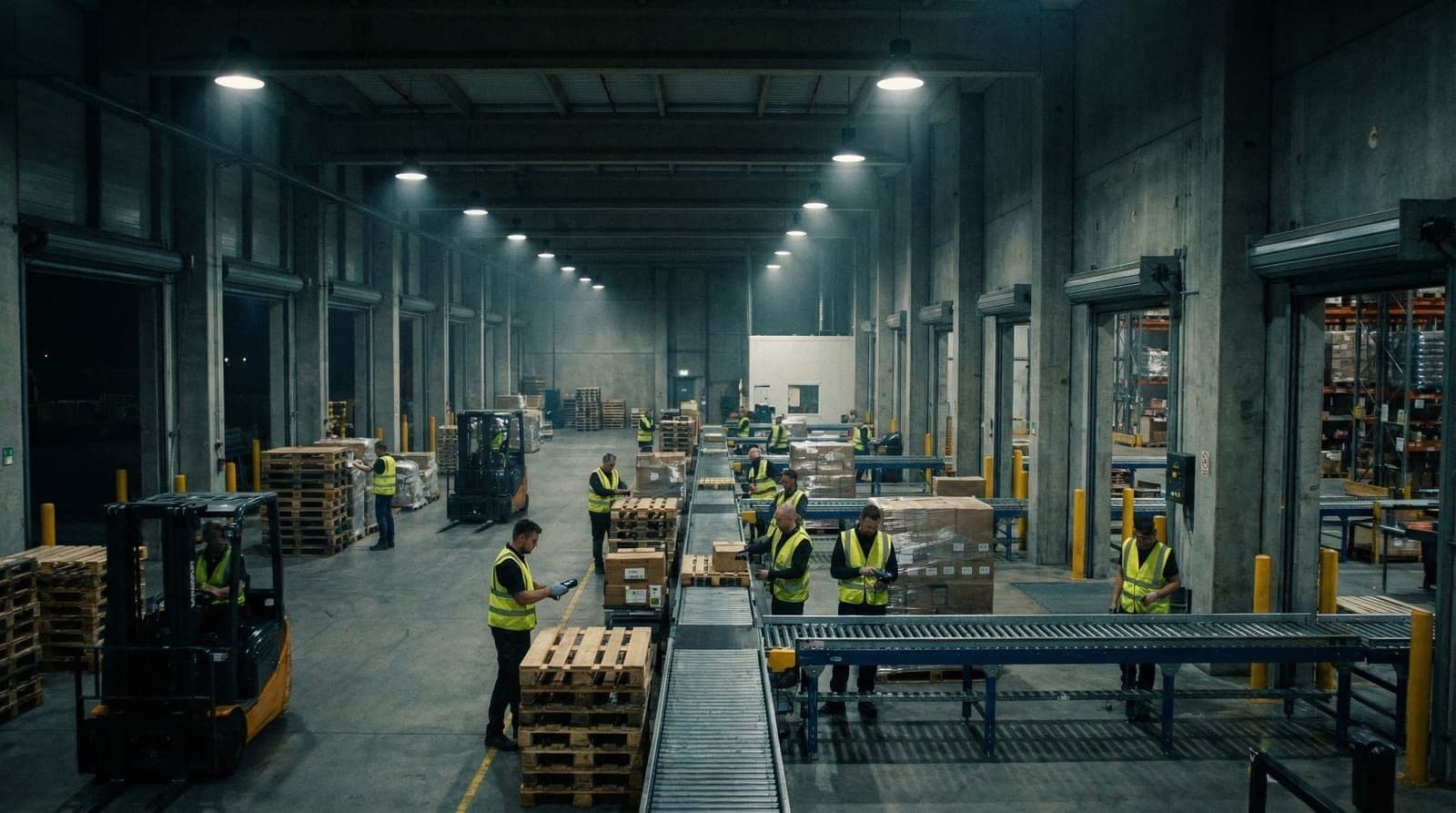
Your receiving dock is either accelerating your operation or choking it. Most warehouse managers know this intuitively—they see the staging areas overflow, watch pallets sit for hours, and feel the pressure when inventory isn't available for orders. But knowing you have a problem and measuring it precisely are different things.
The warehouses that consistently outperform their peers share one trait: they obsess over receiving productivity metrics and use that data to drive continuous improvement. Here's how to do the same.
Why Receiving Productivity Matters More Than You Think
Labor typically accounts for 65-70% of warehouse operating costs. Within that, receiving operations often consume 15-25% of total labor hours. Yet most operations measure receiving performance loosely, if at all.
The math is straightforward. A facility receiving 500 pallets daily with an average handling time of 18 minutes per pallet uses 150 labor hours. Reduce that to 14 minutes and you save 33 labor hours daily—roughly four full-time positions. That's real money.
But productivity gains at receiving cascade downstream. Faster receiving means inventory reaches pick locations sooner. Accurate receiving reduces put-away errors and cycle count discrepancies. Clean data at receiving prevents problems in billing disputes and dimensional verification later.
The Four Metrics That Actually Matter
Forget vanity metrics. These four KPIs reveal the true state of your receiving operation:
Units Per Labor Hour (UPLH)
The foundational productivity metric. Divide total units received by total labor hours worked in receiving.
→ Industry benchmark: 100-200 UPLH for case-level receiving, 40-80 UPLH for piece-level
→ What it reveals: Overall labor efficiency across the entire receiving process
Track this weekly, segmented by shift and by receiving type (floor-loaded containers vs. palletized freight). The variance often tells you more than the average.
Dock-to-Stock Cycle Time
Measures elapsed time from trailer arrival to inventory availability in your WMS. This isn't just a receiving metric—it reflects coordination between receiving, QC, and put-away teams.
→ Industry benchmark: 2-4 hours for standard freight, under 2 hours for high-velocity items
→ What it reveals: Process bottlenecks, handoff delays, and staging area constraints
If your dock-to-stock time varies wildly day-to-day, you likely have scheduling or staffing misalignment issues.
Receiving Accuracy Rate
The percentage of received items logged correctly (right SKU, right quantity, right condition). Measure this through cycle counts and discrepancy reports.
→ Industry benchmark: 99.5% or higher
→ What it reveals: Training gaps, labeling issues, or process shortcuts under pressure
Accuracy below 99% compounds into expensive problems: picking errors, customer complaints, and inventory write-offs.
Cost Per Unit Received
Total receiving department cost divided by units processed. Include labor, equipment, supplies, and allocated overhead.
→ Industry benchmark: Varies significantly by operation type
→ What it reveals: True efficiency when labor rates or staffing models change
This metric matters most for benchmarking against outsourcing options or evaluating automation investments.
How to Conduct a Receiving Time Study
Before improving anything, you need granular data on where time actually goes. A structured time study reveals this.
Step 1: Define the process segments
Break receiving into discrete steps:
- Trailer check-in and dock assignment
- Unloading
- Inspection and counting
- Dimensioning and weighing (if applicable)
- Labeling
- Data entry into WMS
- Staging for put-away
Step 2: Observe and record
Track 20-30 complete receiving cycles, recording time per segment. Note variations: floor-loaded vs. palletized, vendor-labeled vs. unlabeled, compliant vs. non-compliant ASNs.
Step 3: Identify the time sinks
In most operations, three activities consume disproportionate time:
- Manual counting: Especially for piece-level receiving or vendors without reliable ASNs
- Data entry: Keying SKU numbers, quantities, and dimensions
- Rework: Handling discrepancies, damaged goods, or labeling issues
These time sinks represent your improvement opportunities.
Five Strategies That Actually Move the Needle
1. Standardize the dock setup
Receiving productivity starts with physical layout. Designate zones for inspection, dimensioning, labeling, and staging. Position equipment where it's needed—don't make workers walk 50 feet between every step.
Operations with strong dock scheduling practices see 15-20% higher throughput simply because resources align with arriving freight.
2. Attack the data entry bottleneck
Manual keying is slow and error-prone. Every strategy that reduces keystrokes improves both speed and accuracy:
- Enforce ASN compliance with your top vendors
- Use mobile scanning devices rather than fixed workstations
- Implement automated dimensioning to capture weights and measurements without manual entry
- Pre-print receiving labels before freight arrives
3. Implement wave receiving
Rather than processing freight in arrival order, group similar receiving tasks. Process all palletized freight together, then all floor-loads. This reduces equipment changeover and mental context-switching.
The key is visibility. You need to know what's arriving and when—which circles back to ASN compliance.
4. Cross-train for flexibility
Receiving volume fluctuates. A team that can only perform receiving tasks creates idle capacity during slow periods and bottlenecks during peaks.
Cross-train receiving staff on put-away, replenishment, and returns processing. This maintains productivity during volume swings and develops more capable workers.
5. Automate measurement and documentation
The act of measuring itself consumes time. Workers counting, noting dimensions, filling forms—it adds up.
Modern dimensioning systems for pallets and parcels capture measurements automatically during the receiving flow. The data feeds directly into WMS without manual steps. For 3PL providers handling client billing, this automation is particularly valuable—it ensures accurate billable dimensions while eliminating documentation labor.
Setting Realistic Improvement Targets
Productivity improvements rarely happen overnight. Set targets in achievable increments:
First 90 days: 10-15% improvement in UPLH through process standardization and layout optimization. These are low-investment, quick-win changes.
6-12 months: 25-35% improvement by addressing technology gaps. This includes better scanning equipment, automated dimensioning, and WMS integration improvements.
12-24 months: 40-50% improvement through comprehensive automation. This might include conveyor integration, automated storage, or robotic assistance for specific tasks.
Track weekly, report monthly, and celebrate progress. Teams that see their metrics improve stay engaged with the continuous improvement process.
What Gets Measured Gets Managed
The phrase is cliché because it's true. Warehouses that track receiving productivity weekly find problems early and fix them fast. Those that measure quarterly—or worse, annually—discover issues only after they've embedded into operations.
Build a receiving dashboard with your four core metrics. Review it in your daily standups. Make productivity visible to the team doing the work.
Improving receiving productivity doesn't require a massive capital investment. It starts with measurement, progresses through process improvement, and accelerates with targeted automation. If you're looking to understand where automation delivers the fastest ROI in your receiving workflow, our ROI calculator can help you model the numbers—or explore how Sizelabs approaches warehouse automation to see what's possible when receiving data capture becomes effortless.