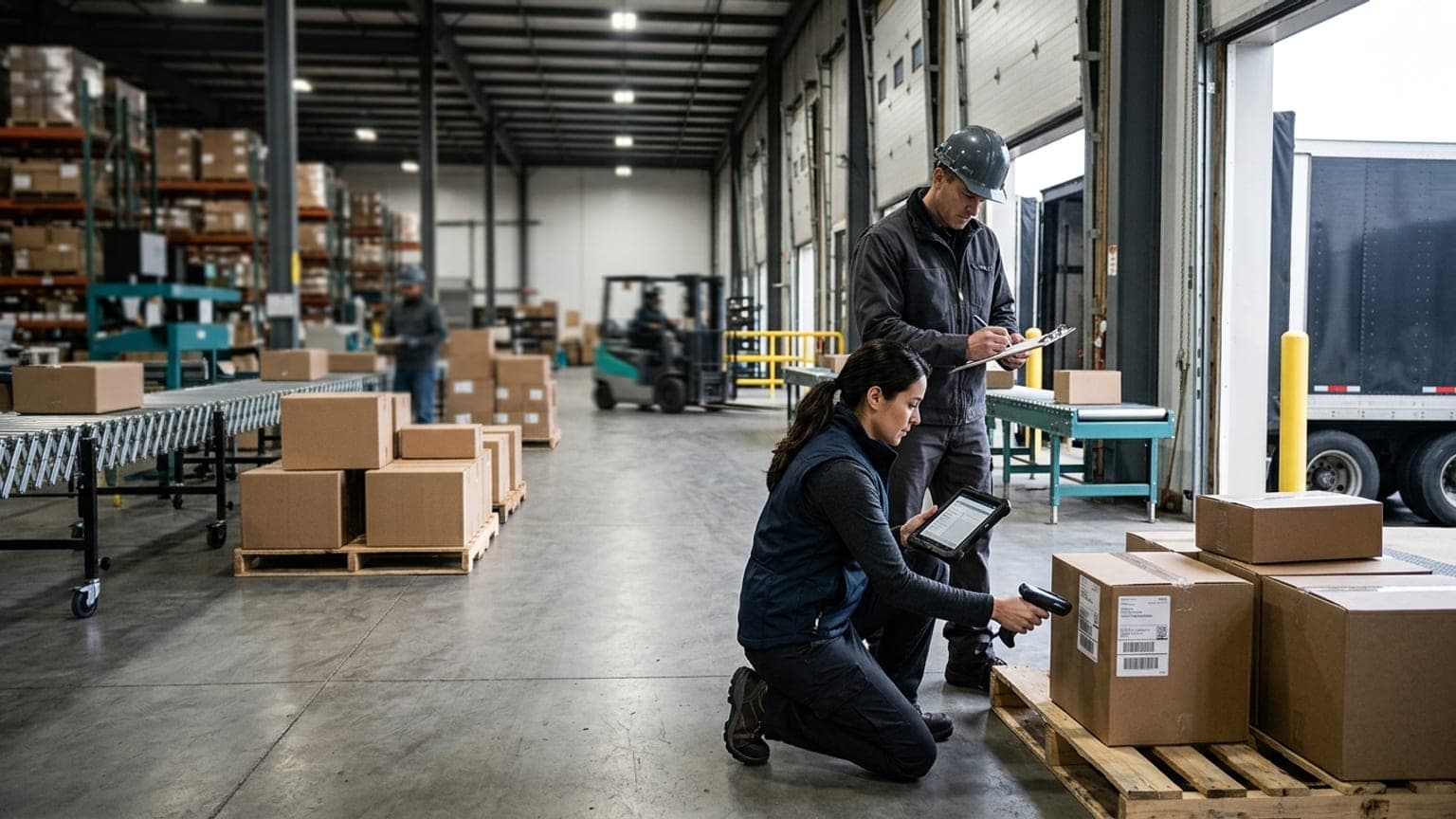
Warehouse Photo Evidence: How to Build a Better Record for Claims, Chargebacks, and Exceptions
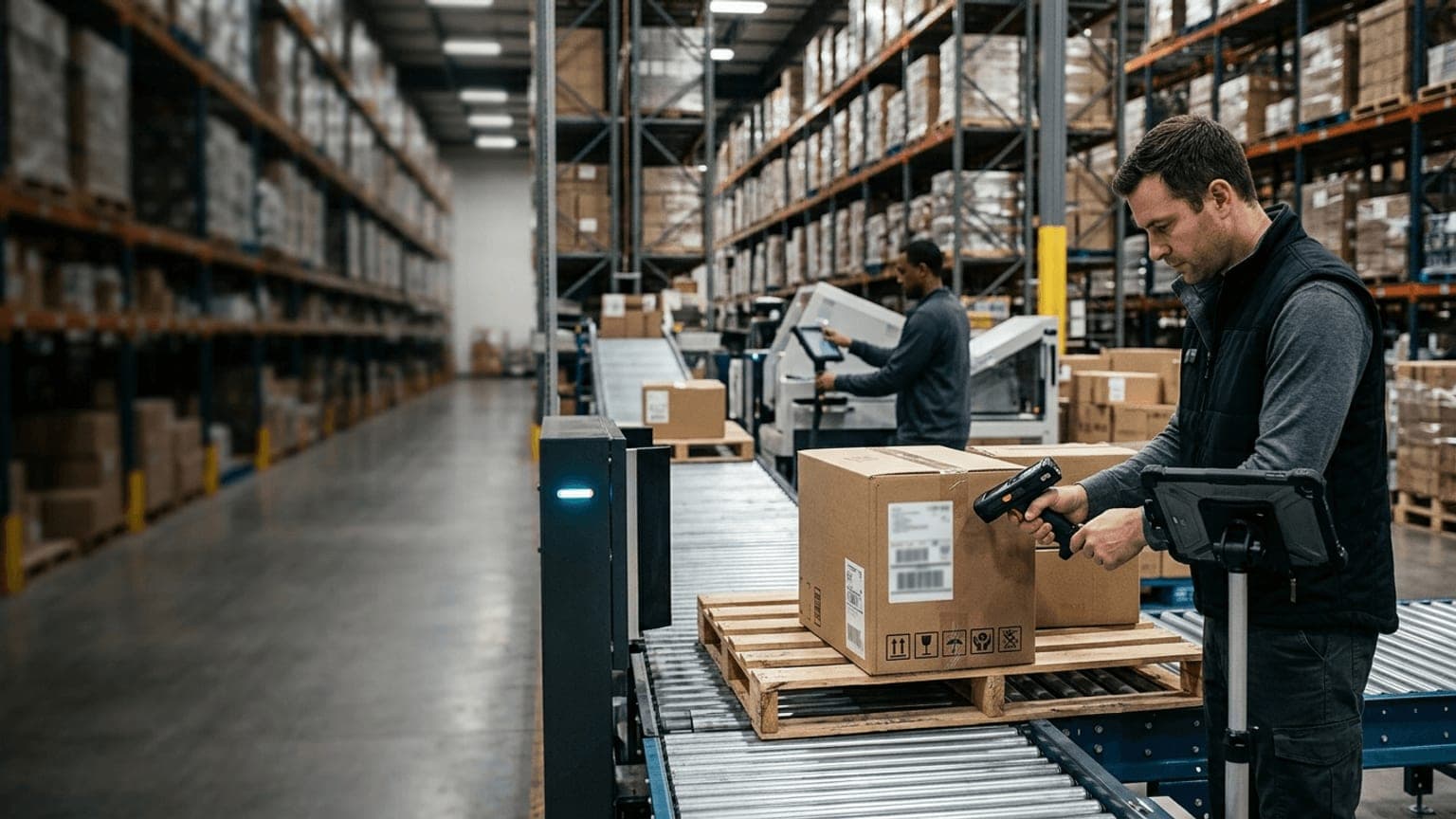
Warehouse photo evidence is one of the simplest ways to make claims, chargebacks, and exception handling harder to ignore.
Most warehouses already take pictures when something goes wrong. The problem is that the photos often live in the wrong place, miss the identifiers needed to connect them to a shipment, or fail to capture the exact detail a customer, carrier, or finance team will ask for later. A good workflow turns those loose images into reliable operating evidence.
If your team is buying software or redesigning a dock workflow, the real question is not whether photos are nice to have. It is whether the warehouse can create a record that is fast to capture, easy to search, and strong enough to support a dispute months later.
Start with the decisions the photo must support
Photo evidence should begin with the business question it is meant to answer.
Common warehouse use cases include:
- inbound damage claims
- short or over receipts
- pallet or carton condition disputes
- mislabeled freight
- repacks and relabeling events
- outbound packaging exceptions
- carrier chargebacks
- customer billing disputes
Each use case needs a slightly different record. An inbound damage photo might need the pallet condition, carton face, seal, and BOL reference. An outbound exception might need the order ID, carton label, scale reading, and packing station. A chargeback case may need before-and-after images plus the approval trail.
If the warehouse does not define the use case first, operators will improvise. That usually means the photo is technically useful but operationally incomplete.
Capture the evidence while the freight is still visible
The best photo evidence is taken at the moment the issue is discovered.
Once freight leaves the dock, gets repacked, or moves into a staging area, the story gets harder to reconstruct. The photo workflow should therefore live as close as possible to the event:
- receiving dock for inbound issues
- quality hold area for condition exceptions
- packing station for outbound problems
- loading lane for final check failures
- returns area for damaged or incomplete goods
The capture step should be quick enough that operators actually use it. If the workflow is buried behind too many clicks or requires a separate device and login, people will skip it when the dock gets busy.
The strongest systems let the operator snap a photo, attach the reference number, and move on. Everything else should happen automatically in the background.
Standardize what every image must include
A photo without context is just a picture.
Every warehouse evidence workflow should define a minimum capture set. That usually includes:
- order, receipt, shipment, carton, or pallet identifier
- timestamp
- facility or dock location
- operator or station ID
- photo angle or required view
- issue reason code
- note field for short comments
Depending on the process, the record may also need:
- trailer number
- carrier name
- BOL or ASN reference
- label close-up
- seal condition
- scale reading
- dimension record
The exact list can vary by workflow, but the rule should not. If the photo cannot be tied to the transaction, it is weak evidence.
Store photos where the team will actually find them
The biggest failure in photo evidence is not capture. It is storage.
Images buried in email threads, shared drives, or messaging apps are hard to search and easy to lose. The warehouse should store photo evidence inside the same system that owns the transaction record, or at least in a system that links cleanly to it.
A good record should let a user search by:
- order number
- shipment ID
- pallet ID
- customer
- vendor
- issue type
- date range
That matters because the person who needs the photo later is often not the person who took it. Receiving may capture the image, finance may need it for a chargeback, and customer service may need it to answer the account. If the record is not searchable, the workflow falls apart under pressure.
Make exception handling part of the evidence workflow
Photo evidence becomes much more valuable when it is part of a real exception process.
The warehouse should be able to mark a record as:
- approved
- on hold
- needs review
- rejected
- escalated
- resolved
That status should be visible to the people who own the next step. If a shipment is on hold because of damage or a count mismatch, the exception queue should show the images, the reason, and the decision owner together.
This is where photo evidence and warehouse receiving exception management work well together. The photo proves what was seen. The exception workflow decides what happens next.
Decide how long evidence should stay available
Retention is easy to ignore until a dispute shows up too late.
The warehouse should define how long photo evidence must remain accessible based on the workflow:
- operational issues may only need short-term access
- customer disputes may need longer retention
- carrier claims may need evidence until the claim is resolved
- regulated or contract-driven records may need policy-based retention
The key is to align retention with the real business timeline. If the team deletes evidence before billing, claims, or customer service is finished using it, the workflow saves storage but loses value.
Retention should also include permission rules. Not everyone needs the right to delete or edit evidence. A clean approval chain is more useful than a folder full of ungoverned images.
Measure whether the workflow is paying off
The easiest way to defend a photo workflow is to show the time and money it saves.
Useful metrics include:
- dispute resolution time
- claim acceptance rate
- chargeback recovery rate
- exception closure time
- number of records with complete identifiers
- percent of images attached to the right transaction
- reduction in manual follow-up
Those metrics turn "we take photos" into a measurable process improvement. If the workflow is helping the warehouse resolve issues faster and defend more claims successfully, it is doing real work.
What buyers should ask before rollout
If you are evaluating software or process changes, ask these questions:
- Can operators capture photos without slowing the dock?
- Are images automatically attached to the shipment or exception record?
- Can the team search by order, pallet, shipment, or customer?
- Are photo requirements different by use case?
- Who owns review, approval, and retention?
- Can the workflow support claims, chargebacks, and customer disputes?
Those answers will tell you whether the system is a real evidence workflow or just a camera icon on a screen.
For teams comparing evidence capture with shipment control, the companion guide on warehouse packing station software is useful because packing controls and photo evidence often live in the same decision point.