Warehouse Packing Station Software: What Buyers Should Require Before Rollout
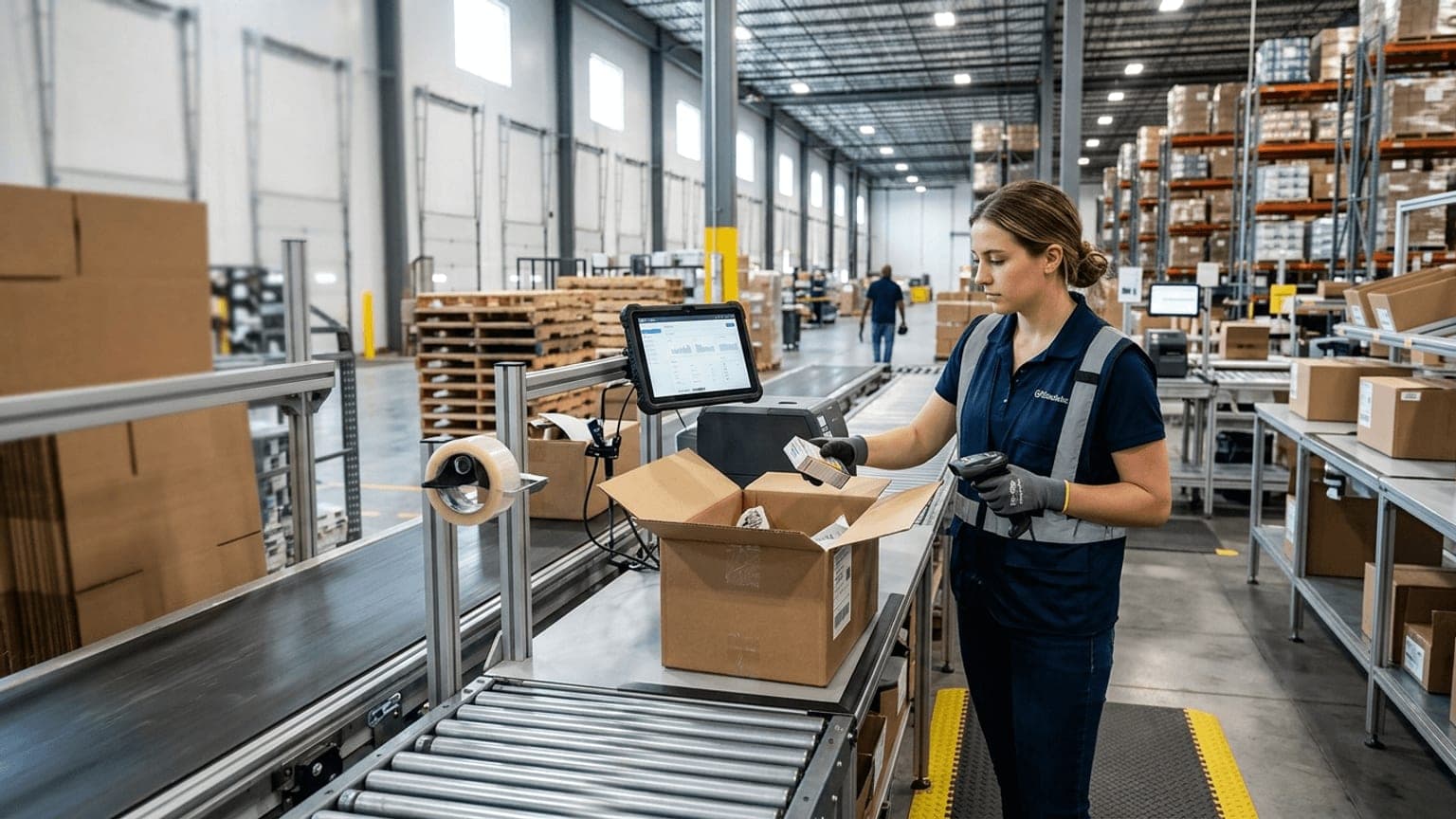
Warehouse packing station software is worth buying when it removes decisions from the pack-out table without weakening control.
That sounds simple until a station is under cutoff pressure. The team is looking for cartons, the printer is backing up, a label needs to be reprinted, the order has a missing item, and the supervisor is being pulled into a rate dispute about a shipment that has not even left the building yet. In that moment, "packing software" is either a real operating system or another screen that adds steps.
The buying mistake is to focus on features before workflow. Better software does not just print labels or show a task queue. It helps the warehouse verify the right order, choose the right carton, capture the right proof, and push clean shipment data to the systems that need it.
Here is how to evaluate warehouse packing station software before you commit to a rollout.
Start with the pack-out workflow, not the product demo
Packing stations often grow by accident. One printer gets added, then a scanner, then a scale, then another screen, then a clipboard for exceptions. After a while, the process depends on memory more than design.
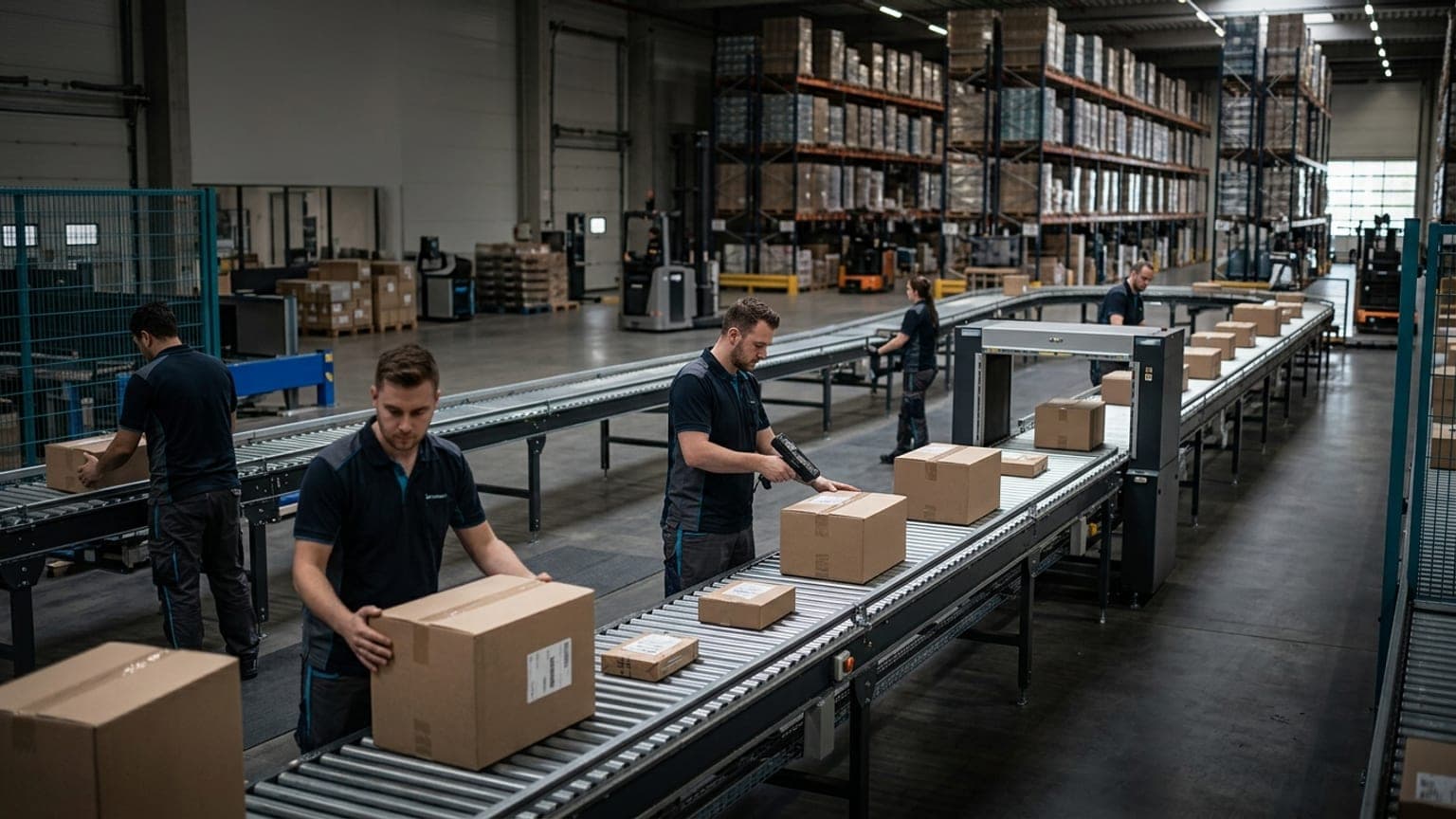
Before evaluating software, map what the packer actually does:
- verify the order or shipment
- confirm item count, SKU, lot, serial, or special handling rules
- select the carton, mailer, or pallet method
- add dunnage or inserts
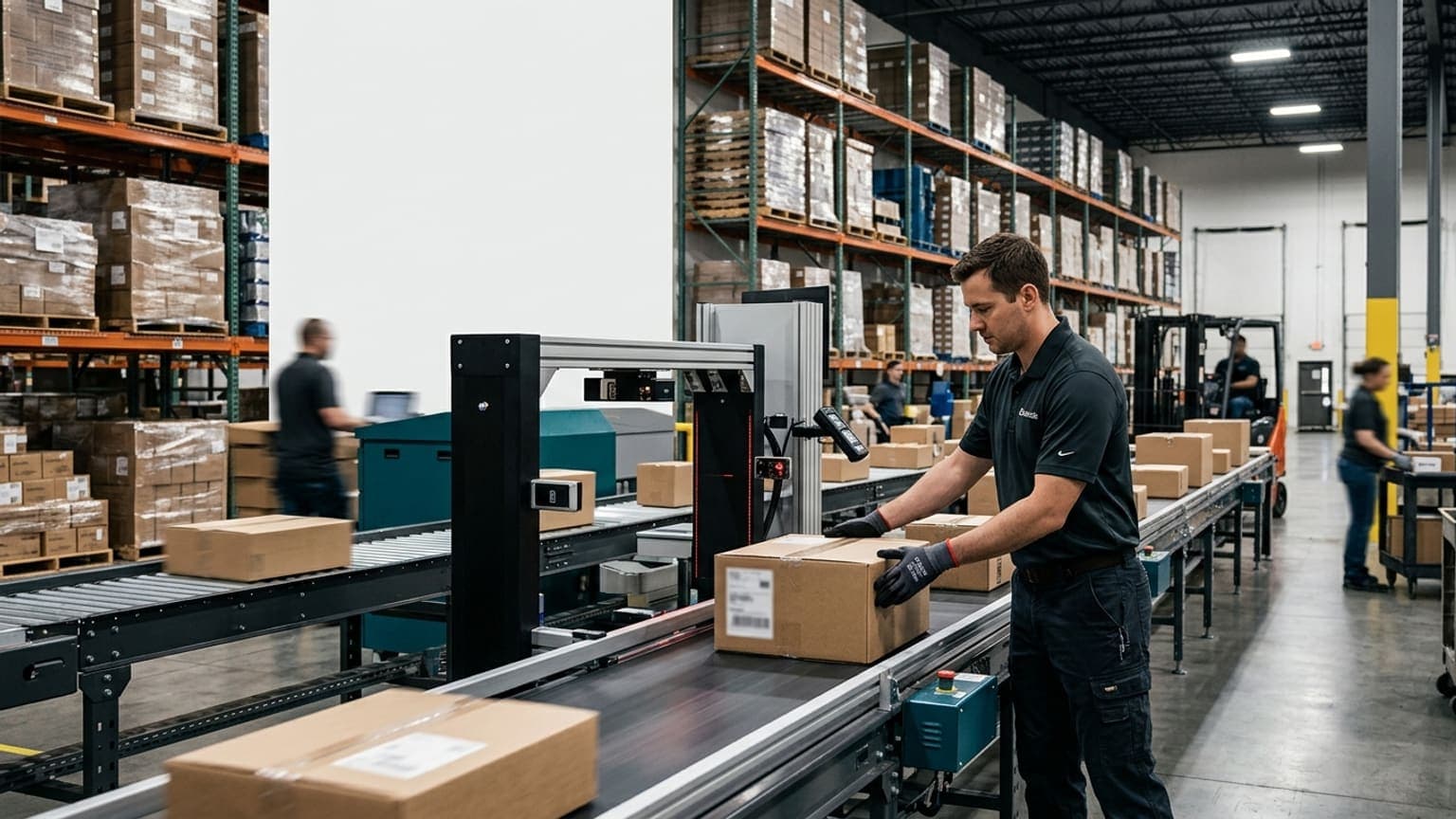
- capture weight and, when needed, dimensions
- print and apply the correct labels
- close the shipment and move it to staging or sortation
- route any issue that cannot be resolved at the station
That sequence matters because the software should fit the work, not force the work to fit the software. If your operation handles retail compliance, customer inserts, serial tracking, or mixed-order consolidation, those details should appear in the workflow design before a vendor starts talking about dashboards.
If packing is part of a broader outbound control strategy, review how warehouse packing station optimization fits with this buying decision. Optimization tells you what is broken. Software tells you what the system should do about it.
Decide which control points belong at the station
Not every pack-out step needs the same level of control. The right configuration depends on risk.
Useful control points include:
- Item verification: required for high-value goods, look-alike SKUs, serial-controlled items, regulated products, or past error categories
- Carton selection: required when carton choice affects damage risk, dimensional weight, or packing cost
- Weight and dimension capture: required when the shipment needs rating support, carrier audit evidence, or customer billing proof
- Photo evidence: required for claims, damage prevention, customer disputes, or compliance records
- Supervisor approval: required for substitutions, damage, missing items, address corrections, or service-level changes
- Shipment closeout: required when the WMS, shipping platform, and carrier record must stay in sync before the parcel leaves the building
The software should let you tune those controls by order type, customer, carrier, or item family. A single rule for every shipment is usually too rigid. A station with no rules is usually too loose.
The best setups keep clean orders moving while escalating only the shipments that need extra attention. If the software turns every package into a manual review, it is solving accuracy by creating a bottleneck.
Make carton logic part of the purchase decision
Packing software is often judged on scans and labels, but carton logic is where many operations either save money or quietly leak it.
The station should help the operator answer practical questions:
- Which carton should this order use?
- Can the shipment fit in the next smaller carton?
- Is the order heavy enough to need a different box or tote?
- Does the packing method change the shipping service or dimensional weight?
- Should the shipment split into multiple cartons?
- Does the packaging choice create damage or compliance risk?
If the software cannot support carton logic, packers will keep making those calls manually. That can work, but it makes results inconsistent and hard to audit later.
Good packing station software should also make carton choice visible in reporting. If the same customer keeps generating oversized cartons, or if one SKU family always needs repacking, the business should be able to see it quickly. That is where packaging, fulfillment, and transportation can start improving the upstream process instead of only absorbing the cost at the station.
For operations that need stronger shipment evidence, this also connects to warehouse measurement data governance, because the station needs clear rules for which measurement becomes the record of truth.
Require exception handling that keeps clean work moving
Every packing station has exceptions. The question is whether the software makes them visible and owned.
Common packing exceptions include:
- short or over quantity
- damaged product
- missing insert or compliance document
- address validation failure
- label print failure
- shipment weight mismatch
- carton mismatch
- service-level change
- special handling not supported by the current route
The software should not force the packer to invent a workaround. It should route the problem to the right owner with enough context to resolve it quickly.
At minimum, each exception should carry:
- order or shipment identifier
- reason code
- station or operator
- timestamp
- next action
- owner or queue
- any attached image or measurement
That is the difference between a usable exception and a mystery. If the problem cannot move forward at the station, the station should not become the place where everyone stops to discuss it.
If your team already manages issue routing in other parts of the building, align packing software with that same warehouse exception management structure instead of creating a separate habit just for pack-out.
Verify integration depth before you compare pricing
Packing station software only pays back when the data lands in the right systems at the right time.
At minimum, check whether it can update:
- the WMS with shipment status and closeout
- the shipping platform with carton, weight, and label data
- carrier or manifest systems with the final package record
- document storage with image proof or audit files
- billing or claims workflows when the shipment becomes disputed
- reporting tools that show pack rate, reprint rate, and exception causes
Do not stop at "it has an API." Ask what the integration actually sends, when it sends it, and what happens when a scan fails or the network is slow.
Important questions include:
- Can the system prevent duplicate closeouts?
- Can it attach images to the shipment record?
- Can it preserve manual edits and approval history?
- Can it handle repacks, voided labels, and reprints without creating duplicate records?
- Can it pass confidence or exception flags downstream?
- Can operations see failed transactions without waiting on IT?
If the software creates another spreadsheet export, the packing station is still disconnected from the business process it is supposed to support. Use the integrations page as a reminder of the standard: data is only useful when it reaches the systems that make decisions.
Build the pilot around real orders and real pressure
A vendor demo can prove that a workflow exists. It cannot prove that your operation will tolerate it.
A useful pilot should include:
- peak-hour orders, not just neat test shipments
- single-line and multi-line orders
- serial-controlled or high-value items
- damaged or incomplete orders
- label reprints and voided shipments
- carton substitutions
- carrier cutoff pressure
- one or two messy exception cases that happen every week in real life
Judge the pilot on operational results:
- time from order arrival to pack close
- percentage of orders packed without rekeying
- reprint rate
- exception resolution time
- carton substitution rate
- integration reliability
- operator confidence during live work
If the pilot only proves that the screen works, it is incomplete. The real question is whether the station can move clean work faster while making exceptions easier to manage.
Compare software on control, not just speed
The best warehouse packing station software should do three things at once:
- keep clean orders moving
- expose exceptions early
- create a usable shipment record for the rest of the business
That is a harder standard than a label-printing demo, but it is the right one for warehouse buyers. Packing stations sit at the intersection of labor, packaging, carrier compliance, and shipment proof. If the software gets that intersection wrong, the cost shows up later as rework, claims, customer calls, or carrier adjustments.
Before you buy, ask whether the system reduces decisions, improves proof, and fits your actual station flow. If it does, the rollout has a chance to pay back quickly.
Sizelabs helps warehouse teams connect packing, image capture, dimensions, weight, and workflow data into a cleaner outbound record. If your pack-out process is slowing under cutoff pressure, start by mapping the decisions the station should make automatically and the exceptions it should route instead.