

01
Parcel DIM adjustment
Check packed dimensions, actual weight, and the carrier divisor before a parcel invoice turns into a repeat adjustment.
Calculate package DIM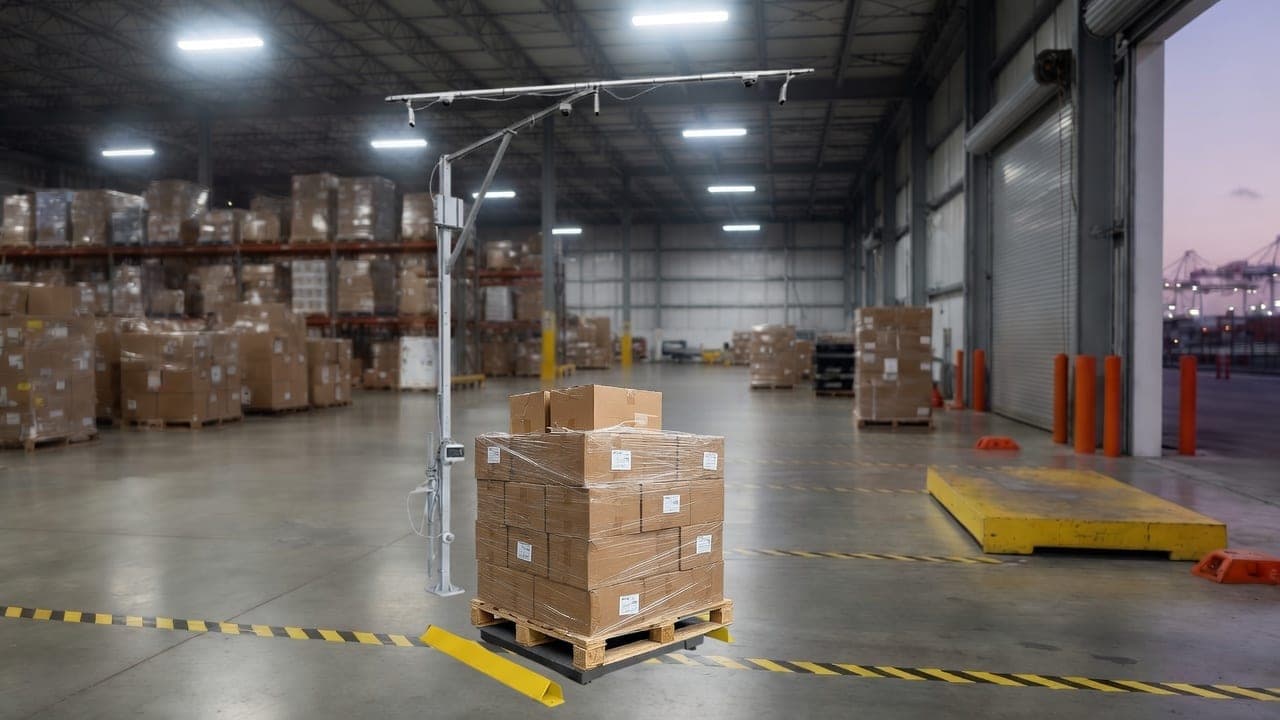
Pallets, parcels, crates and irregular freight
Sizelabs combines pallet dimensioning, parcel sizing, photo evidence and AI/OCR receiving data so operations, billing and claims teams work from the same trusted record.
FreightSnap and Cargo Spectre lead with dedicated dimensioner pages and quote CTAs. Sizelabs meets that buying intent while adding AI/OCR receiving automation and WMS entity sync.
A useful pilot needs one decision, a representative working sample, and a record another team can retrieve. Start there before comparing a specification sheet or a polished demo.
Build a pilot briefPick manifesting, receiving, or a billing review. The pilot has a clear boundary when one decision must change.
Include the carton, pallet, overhang, wrap, or label condition that causes rework on a normal shift.
After the freight moves, have the downstream reviewer retrieve the same identifier, facts, proof, and exception state.
Dimensioning is useful only when the next team can retrieve the physical facts, identify the freight, understand any exception, and find the right system handoff without rebuilding the story.
Use the barcode, LPN, shipment, BOL, PO, or customer reference your downstream system can retrieve.
Confirm dimensions, weight, capture time, and condition images belong to the same freight record.
Mark unreadable labels, overhang, damage, or a record mismatch before the freight moves to the next workflow.
Test the receiving, billing, WMS, TMS, ERP, or API destination with a real lookup—not a screenshot.
A package DIM adjustment, an LTL reclass, and a missing freight record should not send the same person to the same generic form. Start with the review that matches the problem in front of the team.
Check packed dimensions, actual weight, and the carrier divisor before a parcel invoice turns into a repeat adjustment.
Calculate package DIMEstimate the fee, rate-delta, and research exposure when reclass notices or accessorials keep returning to the billing queue.
Estimate LTL exposureMap the shipment reference, physical facts, photos, and exception owner before the next carrier or customer billing review.
Plan invoice evidenceOperators scan a package, roll a pallet through the station or trigger capture from the dock workflow.
Dimensions, weight, photos, labels and receiving context are captured without manual measuring or retyping.
Validated records flow into WMS, TMS, ERP, billing, carrier and API workflows for quoting, claims and audit trails.
LTL teams reducing reclass disputes and accessorial leakage.
3PLs billing clients from accurate parcel and pallet measurements.
Fulfillment centers removing manual package sizing bottlenecks.
Freight forwarders combining dimensioning with document capture.
Keep the comparison anchored to your workflow: parcel, pallet, in-motion, mobile capture, evidence, integrations and quote readiness.
Open the comparison matrixDownload the dimensioner buyer checklist to score freight fit, photo evidence, WMS integration, AI/OCR capture, throughput, implementation risk and pricing before your next vendor demo.
A freight dimensioner automatically measures length, width, height and weight, then stores photos and shipment data so teams can quote, bill, receive and dispute freight from a documented record.
Yes. Pallet Dimensioner covers pallets, crates and irregular freight. Parcel Dimensioner covers cartons and package sizing for high-volume parcel operations.
Sizelabs pairs dimensioning hardware with AI/OCR receiving automation, photo evidence and WMS-ready entity sync, so the scan feeds operations as well as billing.
Yes. Sizelabs supports WMS, TMS, ERP, conveyor, carrier billing and API workflows, with implementation scoped around the systems already used on the dock.
Sizelabs publishes pricing: Parcel Dimensioner from $3,000 setup plus $200/month, and Pallet Dimensioner from $8,000 setup plus $400/month, support included. Legacy freight measurement hardware typically runs $9,000–$30,000+ upfront plus annual maintenance contracts, so compare year-one and five-year totals — and weigh both against the reclass and billing-dispute leakage the system stops.
If measured dimensions feed carrier billing or client invoicing, yes — legal-for-trade applications require NTEP-certified measurement. Sizelabs freight dimensioners are NTEP certified, and each scan stores the dimensions, weight, photos and timestamp needed to defend a billing dispute.
Share your daily volume, freight mix and WMS. Sizelabs will recommend the right capture workflow.
Request a freight dimensioner quote250+ installations · 99.5% accuracy
Book a Demo