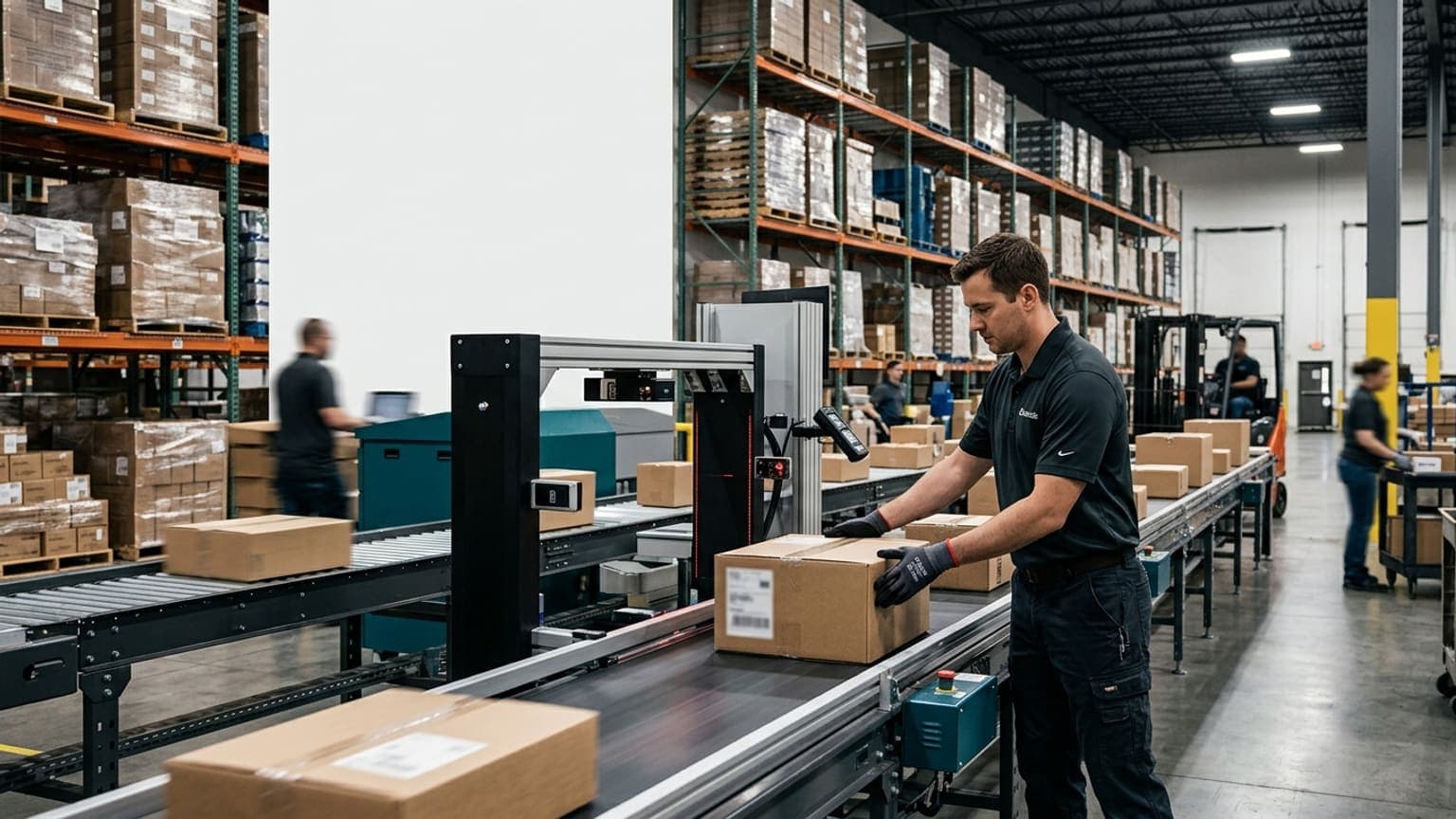
OCR for Freight Forwarders: Kill Manual Data Entry From Labels, BOLs, and Warehouse Receipts
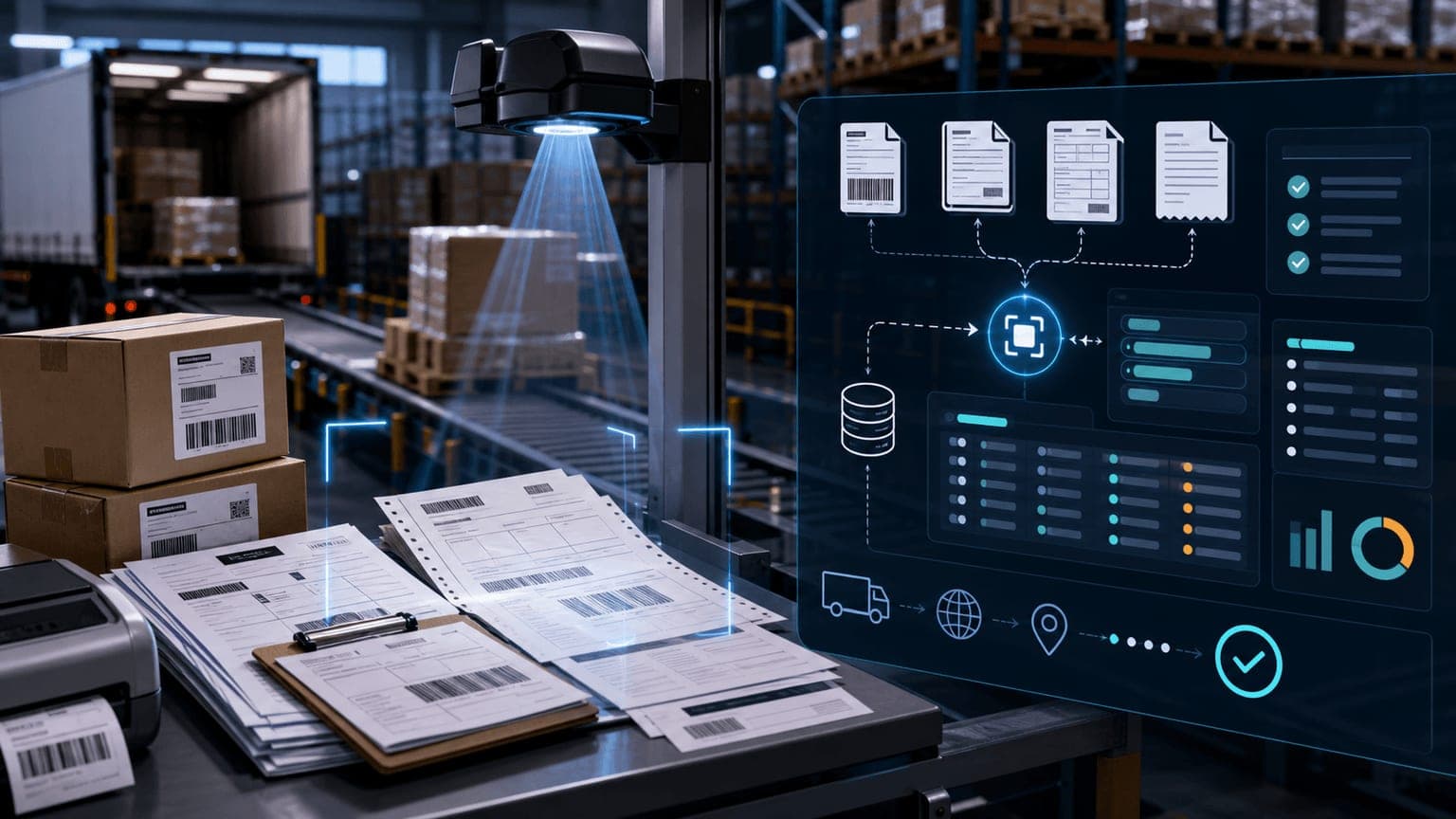
A freight forwarder's warehouse runs on other people's paperwork. Every shipment arrives wrapped in documents the forwarder didn't create: shipping labels from a dozen carriers, house and master bills, commercial invoices, packing lists, and the occasional handwritten note taped to a pallet. Somebody on your dock reads all of it and types it into your system — tracking numbers, shipper names, consignee addresses, piece counts, references.
That typing is where freight forwarding OCR earns its keep. Not as a document-scanning feature, but as the difference between a warehouse receipt that exists while the driver is still at the dock and one that gets created from a paper pile at 6 PM by whoever drew the short straw.
Why forwarders feel manual data entry more than anyone
A fulfillment center receives against its own purchase orders — the data is already in the system, and receiving mostly confirms it. A forwarder receives cold: freight from shippers they've never seen, bound for consignees they don't control, documented in whatever format the origin agent produced.
That means every receipt starts from zero:
- Warehouse receipt (WHR) creation requires shipper, consignee, carrier, tracking number, piece count, weight, and dimensions — none of it pre-loaded.
- Reference chasing ties the freight to a booking, house bill, or PO across systems.
- Multi-format chaos: FedEx, UPS, DHL, and LTL pro labels all encode differently; commercial invoices arrive in Spanish, English, or both.
- Time pressure: consolidations close, trucks wait, and cargo that isn't received in the system is cargo nobody can find, bill, or load.
Industry studies put manual data entry error rates around 1%. On a dock processing 500 packages a day, that's five wrong records daily — wrong consignee, transposed tracking digits, missed piece counts — each one a mis-routed box, a customer call, or an insurance argument waiting to happen.
What freight forwarding OCR actually needs to read
Rank documents by how much rekeying they cause, not by how impressive the demo looks:
- Carrier shipping labels — the highest-volume win. Tracking number, carrier, service level, shipper, consignee, and reference fields, read from a photo in ambient dock lighting, on labels that arrive creased, glared, or half-torn.
- Bills of lading — pro number, SCAC, piece counts, weights, hazmat flags. The document that decides whether an LTL receipt matches what actually rolled off the truck.
- Commercial invoices and packing lists — line items, values, currencies, and country-of-origin data that feed customs workflows and cargo insurance.
- Handwritten additions — "2 of 3", a corrected weight, a scribbled PO. If the tool can't flag handwriting for human review, it will silently drop the most operationally important data on the page.
The test that matters isn't "can it read a clean PDF" — it's whether extraction still works on your dock's worst photo of the day, and whether every read lands in a structured field rather than a text blob.
The Magaya and CargoWise question: OCR that creates entities, not files
Most forwarder searches for OCR are really asking a narrower question: can the extracted data create a warehouse receipt in Magaya (or CargoWise) without anyone retyping it?
That's the correct bar, and it's where generic document-AI tools stall. Reading a label is table stakes; the hard part is entity mapping:
- The shipper on the label must match or create a Magaya entity, not a free-text string.
- The tracking number must attach to the right WHR, and flag when a package for the same house bill already exists.
- Pieces, weights, and dimensions must land in the fields that drive storage billing, cubing, and liability — because a WHR with wrong data is worse than a late one.
- Documents and photos must attach to the shipment record so customer service can answer "prove it arrived clean" without a shared-drive scavenger hunt.
This is how Wilkins Operator approaches it: operators photograph labels and documents on the warehouse floor, AI/OCR extracts the structured fields in real time, and Wilkins Assistant maps the result to the entities your system expects — creating complete warehouse receipts in Magaya, CargoWise, Flow WMS, TrackingPremium, and similar systems instead of leaving you a folder of parsed JSON. Zero typing is the design goal, not a demo trick.
Pair the OCR pass with a dimensioner at the same station and the receipt gets measured dimensions, certified weight, and photos in the same scan — which is what makes the record usable for storage billing and dispute defense, not just tracking.
Exceptions are the product, not the edge case
Whatever tool you evaluate, ask what happens on a low-confidence read:
- Good: the field routes to a review queue with the document image attached, an operator corrects one value, and the correction trains the pipeline.
- Bad: the system guesses silently, and you discover the guess three weeks later inside a billing dispute.
- Worse: the whole document fails and someone retypes it — now you've paid for OCR and the typing.
A practical acceptance test: feed the system one clean label, one crumpled label photographed at an angle, one BOL with a handwritten correction, and one document that references a shipment that doesn't exist. The vendor's answer to that fourth case — how the mismatch is surfaced and who resolves it — tells you more than any accuracy percentage.
How to evaluate freight forwarding OCR without buying a science project
- Count the baseline first. Documents per day × minutes per document × loaded hourly rate. This is the number the project must beat, and most dock teams have never calculated it.
- Demand your material in the demo. Your labels, your worst lighting, your handwritten notes — not the vendor's curated samples.
- Score the integration, not the extraction. "We have an API" means the mapping work is yours. Ask specifically: which fields create or update entities in your system of record, today, with which existing customers?
- Pilot at one receiving door for 30 days. Track minutes from truck arrival to complete WHR, exception rate, and how many receipts needed post-hoc correction.
- Write the requirements down. Our guide to choosing warehouse OCR software covers the full evaluation checklist, and the freight forwarders use-case page shows how forwarders combine OCR with dimensioning and photo capture in one station.
The metric that matters
Don't measure OCR accuracy. Measure minutes from truck arrival to a complete, correct warehouse receipt in your system of record — with dimensions, weight, photos, and documents attached. That's the number that decides how many trucks a shift can clear, how fast consolidations close, and whether your team spends the afternoon receiving freight or retyping paper.
If your operation runs on Magaya, CargoWise, or a similar platform and receiving still involves a keyboard, talk to us — we'll walk you through how forwarders like yours wired OCR, dimensioning, and WHR creation into one scan.