Warehouse Loading Verification Software Requirements: What Buyers Should Confirm Before Carrier Pickup
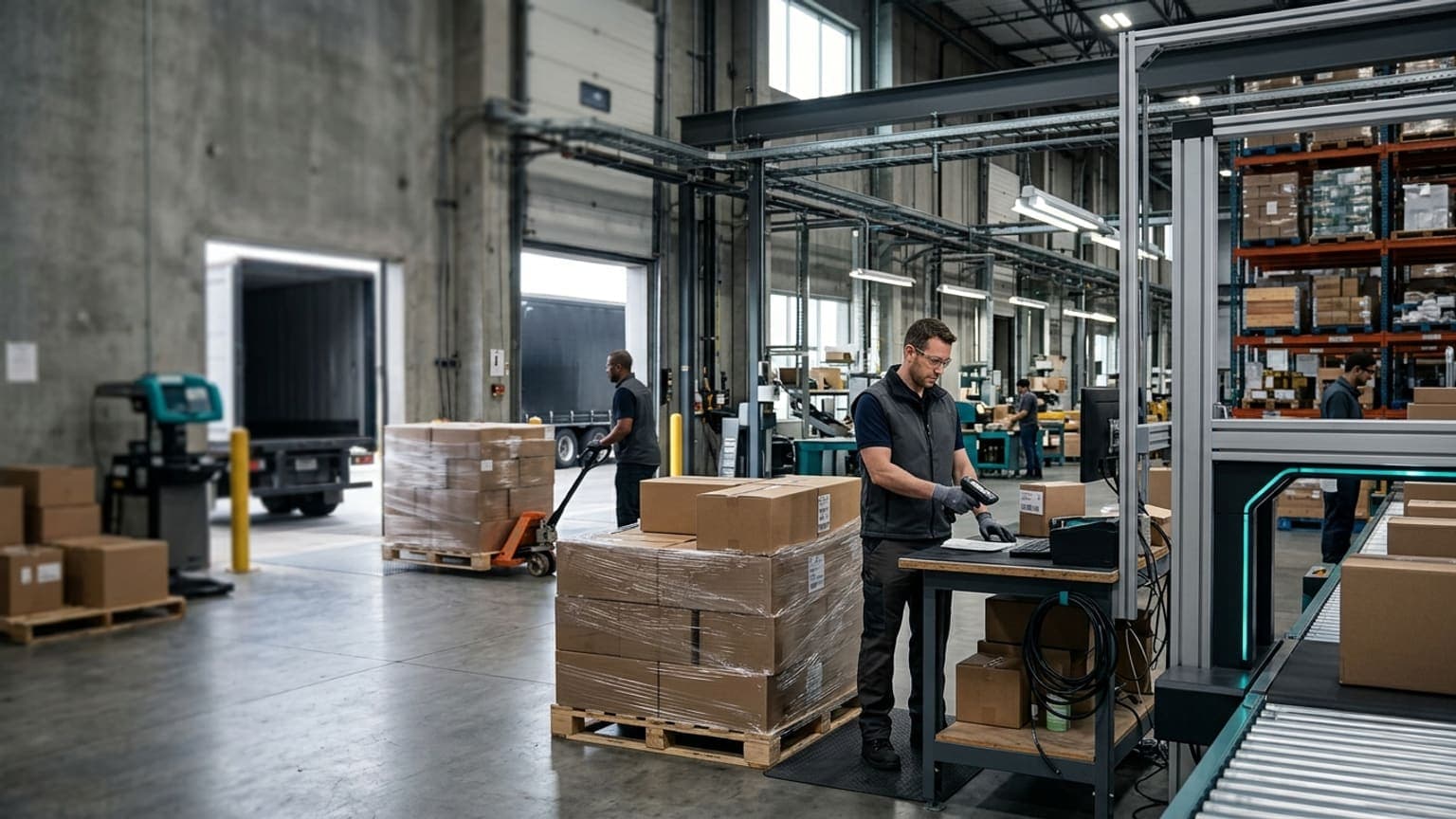
Warehouse loading verification software requirements should answer a simple question before carrier pickup: can the warehouse prove that the right freight went onto the right trailer, route, container, or parcel pickup?
That question matters because many outbound errors survive picking, packing, staging, and manifesting. A carton is placed in the wrong lane. A pallet is held for paperwork but still gets loaded. A parcel container is closed with a shipment missing. A trailer is sealed before a late order reaches the dock. A mixed LTL load leaves with the right bill of lading but the wrong pallet count.
For warehouse buyers, loading verification is not just another scanning step. It is the final operational control point before the building loses physical custody of the shipment.
Define what loading verification must prove
Start by defining the loading decision in business terms.
The software should help the team prove:
- the carrier, route, trailer, door, pickup, or parcel container is the correct destination for the freight
- every required carton, pallet, tote, gaylord, bag, or shipment unit is present
- the freight has the right status: ready to load, held, cancelled, damaged, missing document, customer-service review, or supervisor release
- labels, bills of lading, compliance paperwork, route documents, and customer requirements are complete
- the operator, dock door, timestamp, and loading sequence are recorded
- exceptions are stopped before the door closes, not discovered after pickup
A buyer-ready requirement sounds like this:
"The system must prevent carrier release until each required shipment unit is scanned or otherwise verified against the assigned carrier, route, dock door, trailer, pickup, and load plan, with exception status visible before closeout."
That requirement is stronger than asking whether the tool supports mobile scanning. The value is not the scanner. The value is the controlled proof that the correct freight left the correct door.
Connect loading verification to dock staging status
Loading errors often start before anyone enters the trailer.
If staged freight looks identical regardless of status, loaders have to make decisions under time pressure. A pallet waiting for a missing label may sit beside ready freight. A damaged carton may be placed near a carrier lane for supervisor review. A partial shipment may be held by customer service while the rest of the order is ready. During cutoff pressure, visual proximity can become accidental approval.
Buyers should require clear status logic for:
- ready to load
- staged but not released
- missing carton, pallet, label, or document
- damaged or unstable freight
- wrong lane, wrong door, or wrong trailer
- carrier service change
- order cancelled after staging
- supervisor release required
- loaded, sealed, picked up, or removed from load
The software should make those states visible where the work happens: handheld screen, dock display, WMS task, shipping dashboard, or loading checklist. It should also prevent a held shipment from loading just because the physical pallet is near the door.
This connects naturally to warehouse trailer loading plan discipline. The plan decides how freight should flow to the trailer. Loading verification proves that the plan was followed.
Require scans that match the real loading unit
Many loading workflows fail because the scan target is too vague.
A warehouse may scan the order, but the carrier receives cartons. It may scan a pallet license plate, but the shipment includes loose cartons. It may scan the trailer, but not the freight inside it. It may scan a parcel container, but not confirm which orders were inducted before close.
Define the verification unit for each outbound flow:
- parcel carton, bag, or container
- LTL pallet or handling unit
- full truckload pallet, case, or license plate
- route stop, store order, customer order, or wave
- cross-dock transfer pallet or lane
- high-value, serialized, regulated, or customer-specific shipment
Then define the required scan sequence:
- Confirm the carrier, route, trailer, door, or pickup.
- Scan the freight unit being loaded.
- Validate it against the expected load plan.
- Block the scan if the status, lane, order, service, or documentation is wrong.
- Record the operator, timestamp, and location.
- Close the load only when all required units are loaded, removed, or approved as exceptions.
For parcel operations, this may connect to parcel dimensioning system manifest audit controls. For freight and pallet operations, it may depend more on license plates, BOL records, photos, dock doors, and trailer seal events.
Capture evidence before custody changes
Once a carrier leaves, the warehouse has less control and less evidence.
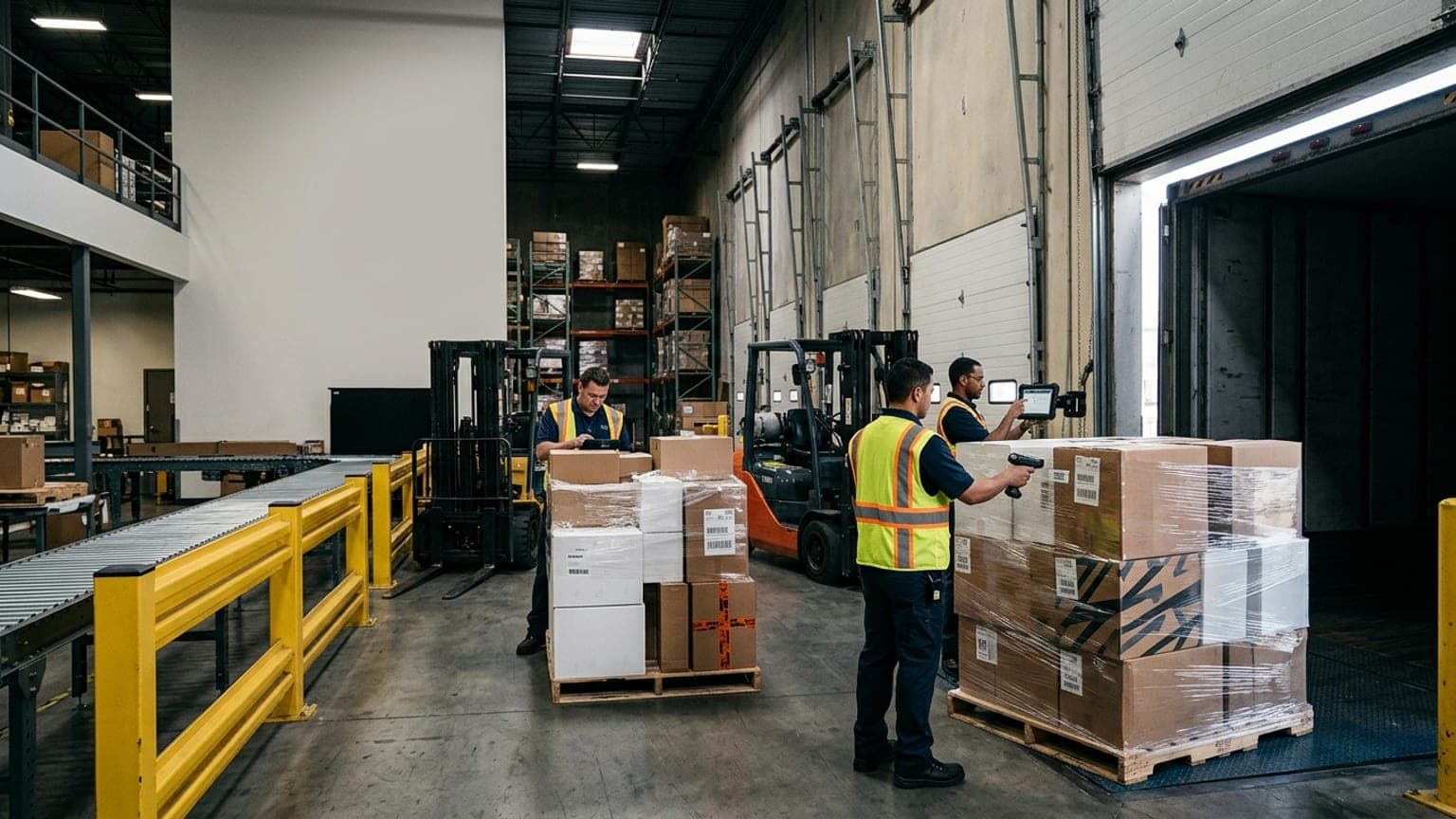
Loading verification software should help capture the facts while the freight is still visible:
- loaded pallet, carton, or container photos when the operation needs proof
- label face or license plate image for high-risk shipments
- trailer, seal, dock door, route, or pickup identifier
- pallet count, carton count, shipment count, and exception count
- damage, overhang, poor wrap, missing document, or relabel reason
- supervisor approval when freight loads outside normal rules
- removal records when a shipment is pulled from a load
This evidence does not need to slow every shipment. Buyers can set rules by customer, carrier, order value, claim history, freight type, or compliance risk. A clean low-risk parcel flow may only need scan confirmation. A high-value LTL shipment may need photos, seal records, and document checks before release.
The important requirement is consistency:
When a shipment is questioned later, the team should be able to search the load record and see what was loaded, where, when, by whom, under which status, and with what evidence.
That record helps customer service, transportation, claims, finance, and operations work from the same facts instead of reconstructing the dock from memory.
Design exception handling before go-live
Loading exceptions are inevitable. The buying question is whether the software routes them cleanly.
Common exceptions include:
- freight scanned to the wrong trailer, door, carrier, or route
- expected carton or pallet missing from the load
- extra freight found in the lane
- label unreadable or attached to the wrong unit
- bill of lading, commercial invoice, packing list, or retailer document missing
- damaged carton, leaning pallet, poor wrap, or over-height freight
- order cancelled, held, split, or changed after staging
- carrier pickup delayed, changed, or rejected
For each exception, define the next action:
- hold at dock
- return to pack, staging, inventory, quality, or customer service
- reprint label or document
- reassign to another carrier, route, door, or trailer
- remove from load and record why
- escalate to a supervisor before release
- approve loading with reason code and evidence
Avoid one generic "exception" bucket. It creates a queue that supervisors must interpret manually. Better reason codes let the warehouse see whether the root problem is staging accuracy, carrier changes, documentation, inventory, packing, routing, or late upstream work.
Measure launch quality with operational KPIs
Loading verification should reduce downstream noise, not just add another screen.
Track KPIs that show whether the control is working:
- load accuracy by carrier, route, door, customer, shift, and freight type
- wrong-trailer, wrong-lane, and wrong-route scan attempts
- missing carton or missing pallet events caught before pickup
- exceptions created during loading and average time to clear
- loads closed with supervisor overrides
- freight removed after being staged for loading
- pickup delays caused by documents, labels, late orders, or unresolved holds
- post-shipment claims tied to missing freight, wrong delivery, damage, or document issues
- scan compliance and manual override rate by team and shift
The useful trend is not zero exceptions. Early in the rollout, exceptions may rise because the warehouse is finally seeing problems that used to leave the dock. The stronger signal is that customer claims, carrier disputes, missed pickups, and manual investigations begin to fall as issues are caught before custody changes.
What buyers should ask vendors
When evaluating loading verification software, ask practical questions:
- Which shipment units can the system verify: carton, pallet, license plate, parcel bag, trailer, route, order, or stop?
- Can it block loading when freight is held, cancelled, damaged, missing documents, or assigned to another lane?
- Does it support trailer, door, route, pickup, seal, carrier, and operator records?
- Can it show expected, loaded, missing, extra, removed, and exception freight in one load view?
- How are photos, timestamps, reason codes, and approvals stored?
- Can the system work offline or during weak dock connectivity?
- Which WMS, TMS, shipping platform, or carrier fields does it need before loading starts?
- Can supervisors close a load with documented exceptions instead of forcing false completion?
- How quickly can a user retrieve the load record when a customer, carrier, or internal team questions a shipment?
The best vendor discussion will be specific to your dock reality. Parcel cutoff pressure, retail routing compliance, LTL pallet counts, route delivery sequencing, and high-value serialized shipments all create different verification needs.
Sizelabs helps warehouse teams build reliable shipment records with dimensions, weight, images, identifiers, and workflow evidence. If loading errors are creating customer claims, carrier disputes, or manual investigations, start by defining what the dock must prove before pickup, then choose the verification controls that make that proof routine.
This page is for teams evaluating loading verification software. For the shift-level check that reconciles the plan with the trailer before pickup, use the warehouse trailer release checklist. It records load status and handoff exceptions; it does not replace an approved securement or safety check.