Warehouse OCR Software: How to Choose the Right Receiving Workflow
Warehouse OCR software earns its keep when receiving teams stop typing from labels and paperwork into systems that should already know the answer.
The problem is not only labor. Manual reading creates inconsistent data at the exact moment the warehouse needs clean records: dock check-in, freight verification, putaway decisions, customer receipt creation, claim documentation, and billing support. If a tracking number, SKU, consignee, PO, or BOL reference is wrong at receiving, the error follows the shipment downstream.
But OCR is not a magic camera. A good buying decision starts with the receiving workflow, not the model demo. The right question is: which documents slow the dock today, which fields matter, and what happens when the software is not confident?
Here is how to evaluate warehouse OCR software before you commit budget or redesign the dock around it.
Start with the receiving work, not the OCR feature list
Most OCR evaluations start too broadly. Teams ask whether the system can "read documents" or "read labels." That is not specific enough for a warehouse.
Start by listing the exact material your operators handle:
- carrier labels with tracking numbers, service levels, addresses, and barcodes
- inbound pallet labels, license plates, carton labels, and vendor labels
- bills of lading, packing lists, commercial invoices, and customs documents
- handwritten delivery notes, damage notes, or exception forms
- customer-specific reference numbers, PO numbers, SKU lists, or order IDs
Then map each item to the operational decision it supports.
For example, a freight forwarder may need OCR to connect HBL, shipper, consignee, tracking, and customs document references to the same inbound shipment. A fulfillment center may care more about carton labels, PO matches, and receiving exceptions. A 3PL may need customer-specific reference capture because each client expects a different receipt record.
If the document does not drive a decision, do not make it the center of the project. The strongest warehouse OCR projects focus on the fields that remove typing, reduce exceptions, or create evidence the business can use later.
For document-heavy operations such as freight forwarding, this connects naturally to freight forwarder automation, where receiving accuracy depends on linking paperwork to the physical goods quickly.
Define what accurate warehouse OCR software must produce
OCR accuracy is often discussed as if it were one number. In receiving, it is better to think in three layers.
Character accuracy means the software reads the text correctly.
Field accuracy means the software understands what the text is: tracking number, consignee, PO, SKU, weight, carton count, address, or carrier.
Workflow accuracy means the captured data attaches to the right shipment, receipt, customer, dock event, or exception record.
The third layer matters most. A system that reads a tracking number correctly but attaches it to the wrong shipment can create more cleanup than manual entry. A system that extracts every field from a BOL but cannot tell which fields matter to the WMS may still leave the operator rekeying data.
During evaluation, ask vendors to show how the system handles:
- multiple tracking numbers on one label
- one barcode plus several human-readable references
- damaged, wrinkled, glossy, or low-contrast labels
- carrier labels with similar field names in different layouts
- documents with stamps, handwriting, or folded corners
- photos taken from an operator's phone under normal dock lighting
- fields that appear on one customer's document but not another's
Do not accept a clean PDF demo as proof. Warehouse OCR software should be tested against the material your team sees at 7:30 a.m. when the dock is full and the driver is waiting.
Decide where OCR fits in the receiving flow
There are three common patterns for warehouse OCR in receiving.
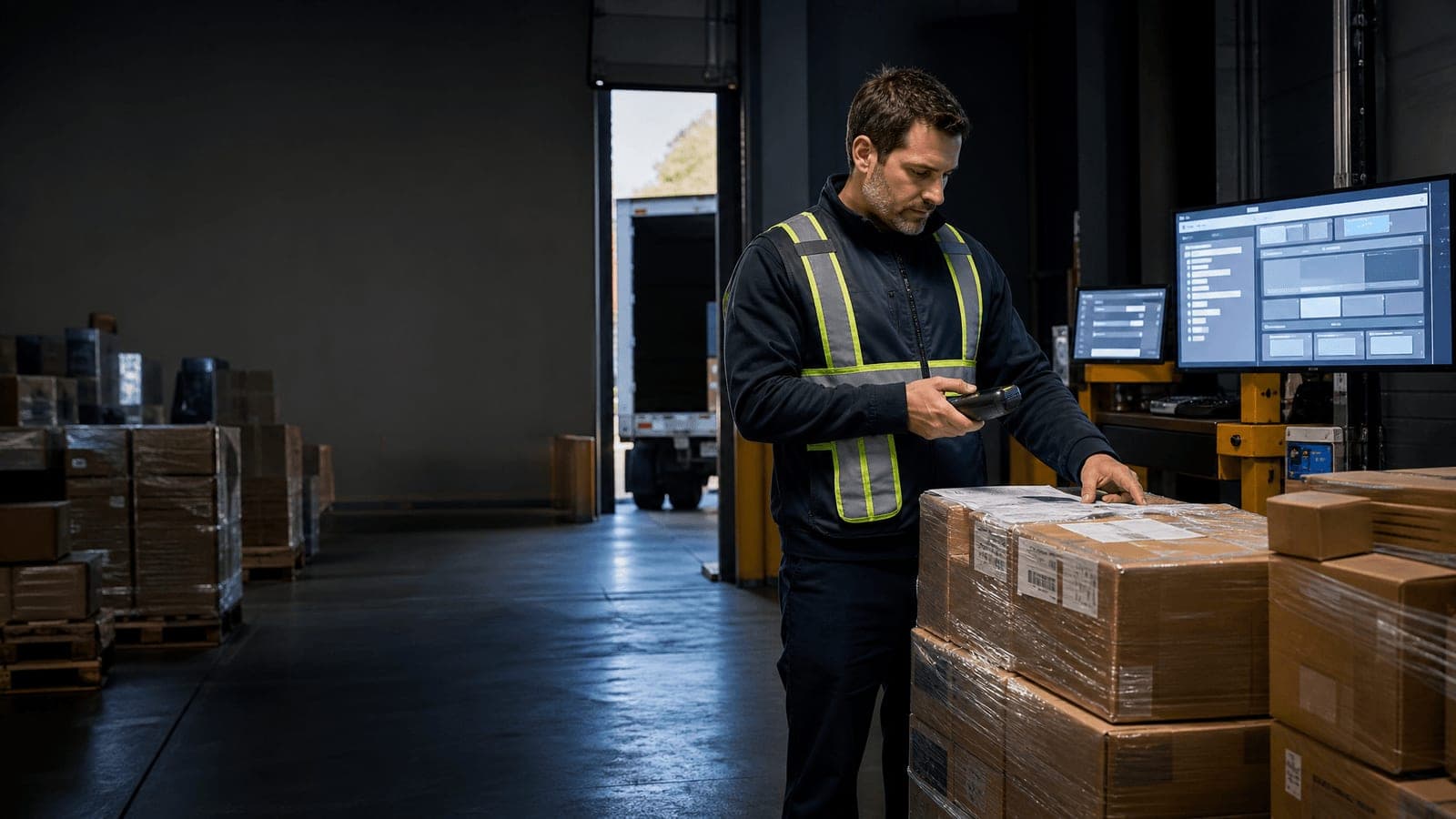
Operator-assisted capture works well when freight is variable and judgment still matters. An associate scans or photographs the label or document, the OCR extracts structured fields, and the operator confirms exceptions before the receipt is created.
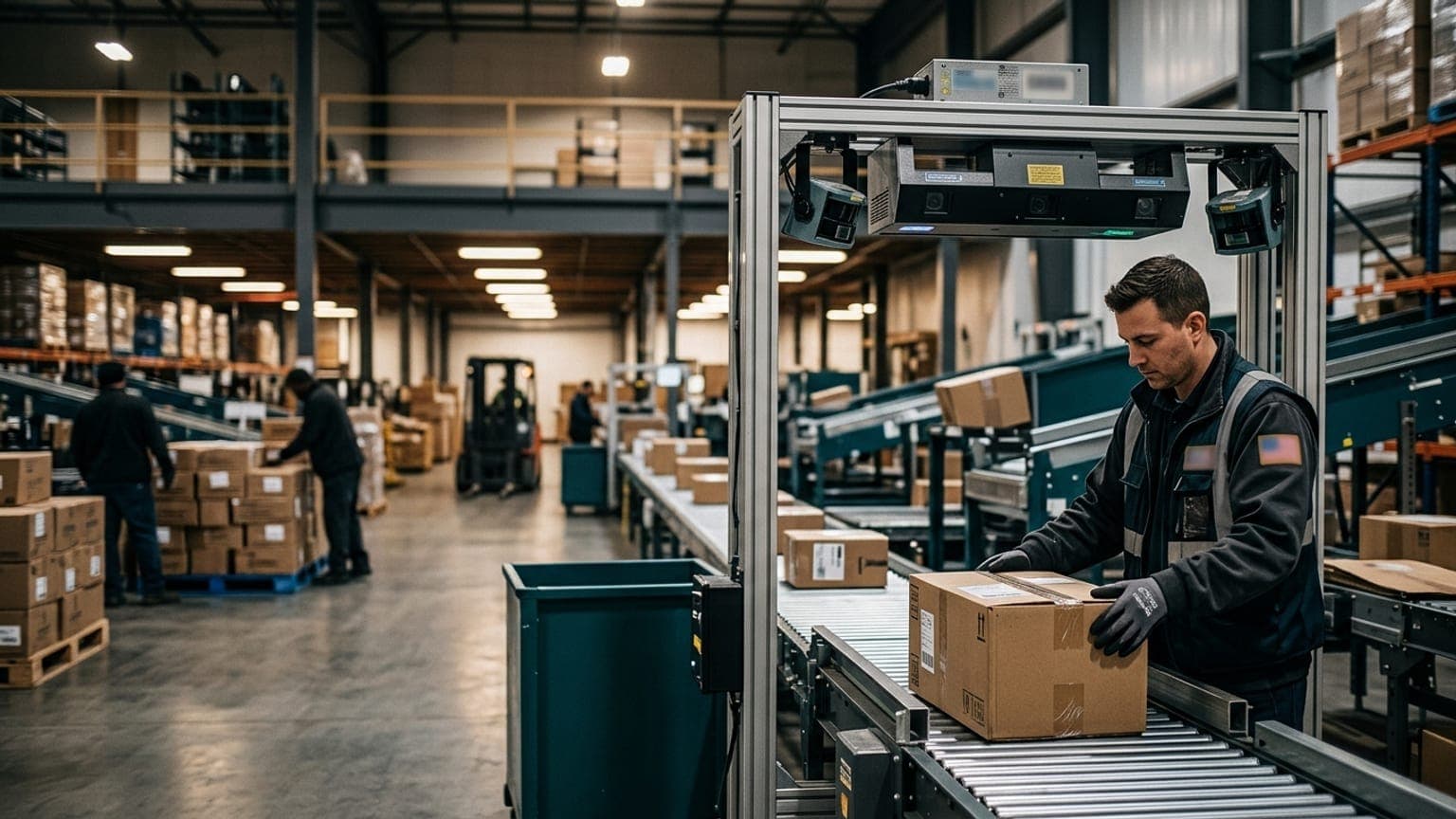
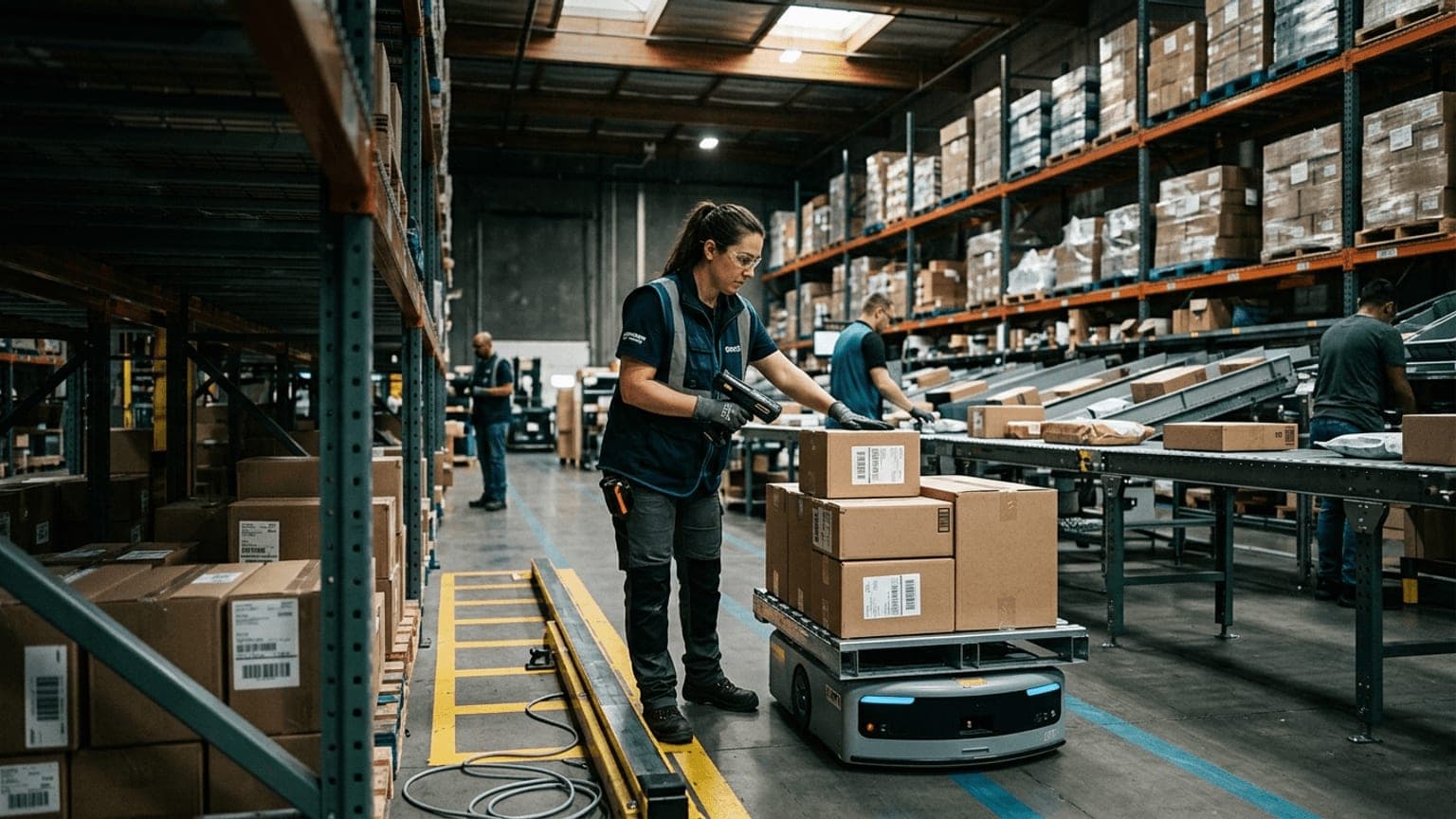
Station-based capture fits higher-volume parcel, carton, or pallet receiving where the team already has a controlled scan point. OCR can sit alongside barcode scanning, image capture, dimensioning, and weight capture so the receiving record is built in one pass.
Back-office document automation fits workflows where paperwork arrives before or after the freight. The system extracts structured data from PDFs or photos, then links the result to the physical receipt when the shipment reaches the dock.
Freight forwarders are the extreme case of all three — cold receipts, foreign documents, and entity mapping into systems like Magaya or CargoWise. We cover that scenario separately in our OCR for freight forwarders guide.
The wrong placement creates friction. If OCR happens too late, operators still type at the dock. If it happens too early, the document may not match the freight that arrived. If it happens outside the receiving workflow, supervisors may end up reconciling two partial records.
A useful test is simple: when the operator finishes the scan, what changes?
- Does the WMS receipt open with fields already populated?
- Does the shipment route to a review queue because a PO is missing?
- Does the customer record receive the document image and extracted fields?
- Does the dock team know whether the freight is cleared for putaway?
- Does billing or customer service gain a record they can retrieve later?
If nothing operational happens, the OCR is only a data-capture feature. It is not yet a receiving workflow.
If those questions surface WMS gaps — receipts that cannot accept extracted fields, no review queue, no document storage — the fix belongs in your system selection, not in the OCR tool. Our free WMS RFP template writes those data-capture requirements into the RFP so vendors answer them before you buy.
Build exception handling into the purchase decision
Every OCR system has uncertain reads. The difference between a useful system and a frustrating one is how it handles them.
Buyers should ask about exception logic before they ask about dashboards.
Common exceptions include:
- low-confidence field extraction
- unreadable or partially covered labels
- duplicate tracking numbers or PO numbers
- a document that names a shipment not found in the WMS
- a barcode that scans but conflicts with OCR text
- a required field missing from the document
- customer-specific fields the standard template does not recognize
Each exception needs a route. Some can be confirmed by the operator. Some belong in a receiving review queue. Some should stop the receipt from posting. Some should post with a flag so customer service or billing can review the record later.
This is where warehouse exception management becomes part of the OCR business case. The goal is not to pretend every label will be perfect. The goal is to make uncertainty visible early enough that the floor can resolve it before bad data spreads.
For many teams, the best OCR workflow keeps the operator in control without forcing them to type. The software proposes the structured fields, highlights uncertain values, and lets the associate confirm or route the exception in seconds.
Check integration depth before you compare demos
OCR only pays back when extracted data lands where the business needs it.
For receiving, that may include:
- WMS receipts and ASN matching
- TMS or carrier systems
- customer portals
- ERP purchase orders
- inventory master data
- document storage or audit records
- billing and claims workflows
The evaluation should go beyond "Do you have an API?" Ask what the integration actually sends and when.
Important questions include:
- Which fields are structured versus stored only as image text?
- Can the system attach the original image to the transaction?
- Can it send confidence scores or exception codes?
- Does it support customer-specific field mapping?
- Can it prevent duplicate receipts when the same document is scanned twice?
- What happens if the WMS is unavailable during capture?
- Can supervisors search by tracking, PO, customer, shipper, consignee, or receipt number?
If the OCR output becomes another spreadsheet, the dock has not been automated. It has only moved the typing problem from one place to another.
Sizelabs' integrations page shows the broader principle: floor data becomes valuable when labels, documents, dimensions, weights, images, and validation results flow into the systems that make warehouse decisions.
Build the ROI around typing, errors, and cycle time
The business case for warehouse OCR software should be practical. Start with the current receiving baseline.
Measure:
- documents or labels processed per day
- minutes spent reading, typing, checking, and filing each record
- rework caused by wrong tracking numbers, PO references, SKUs, or customer fields
- dock delays while operators search for missing paperwork
- customer service or billing time spent reconstructing what arrived
- claims or chargebacks weakened by missing document evidence
Then calculate the value in three buckets.
Labor removed: minutes saved per receipt, multiplied by volume and loaded labor cost.
Errors avoided: fewer bad receipts, fewer misrouted exceptions, fewer manual corrections, and cleaner downstream records.
Cycle time improved: faster dock check-in, faster receipt posting, fewer holds, and less supervisor intervention.
Do not inflate the model with soft claims. A strong OCR case usually stands on ordinary receiving math: typing is slow, errors are expensive, and clean data moves work forward.
If your team is comparing OCR against other warehouse automation projects, use the same discipline you would use for a warehouse automation ROI model or the Sizelabs ROI calculator. Competing projects should be judged with the same baseline, cost, benefit, and payback logic.
What to test in a warehouse OCR pilot
A pilot should prove the workflow, not just the reading engine.
Use real material from your floor. Include the neat examples and the ugly ones. A useful pilot set might include:
- the top carrier labels by volume
- the highest-error customer documents
- freight forwarder paperwork with multiple references
- damaged or low-light label photos
- documents with handwritten notes or stamps
- receipts with missing, duplicate, or conflicting identifiers
- examples from peak periods, not only quiet days
Score the pilot on operational outcomes:
- percentage of receipts created without manual typing
- percentage routed to review and why
- time from scan to usable WMS record
- field-level correction rate by document type
- operator acceptance during live receiving
- searchability of the final record
- integration reliability under normal dock conditions
If the pilot only reports OCR accuracy, it is incomplete. The buyer needs to know whether the system helps the receiving team create a cleaner record faster.
Choose warehouse OCR software that reduces decisions on the dock
The best warehouse OCR software does not ask operators to become document clerks with better cameras. It reduces the number of decisions they have to make under time pressure.
The buying checklist is straightforward:
- choose the receiving documents and labels that actually slow work
- define the exact fields and system updates required
- test on real warehouse material, not polished samples
- design exception handling before go-live
- validate integration with the WMS, TMS, ERP, customer system, or document repository
- measure the result in typing time, correction work, cycle time, and receipt quality
Sizelabs helps warehouses combine label OCR, barcode scanning, image evidence, dimensions, weight, and guided receiving workflows through tools like Operator AI and Warehouse Assistant. If OCR is on your buying roadmap, start by mapping the receiving decisions that depend on clean data. The software should make those decisions faster, more consistent, and easier to prove later.